How Relay works
Skills
A skill is one task your business teaches Relay: a quote request, a returns policy, a weekly report, an order look-up in your shop system. Skills belong to your business: you write them, change them and switch them on or off.
What's in a skill
- Name and when to use it: which emails it's for, with a few example emails.
- What Relay must know first: each detail it needs, and how to ask for it if it's missing. Details can be optional.
- Steps, written the way you'd explain the task to a new colleague.
- How to write the reply.
- Facts only this task needs: prices, rules, contacts.
- Tools it may use: most skills need none. Tools let a skill look things up or change things in the systems on the Connections screen, or build Power BI reports. See Connect any system with an API.
- Which agent uses it (or every agent), and whether it's on.
How Relay uses skills
When an email arrives, Relay picks the one skill that fits.
- If a required detail is missing, the reply asks for it instead of guessing.
- If no skill fits, Relay writes an ordinary reply.
- Every reply still waits for your approval.
Having any skill switched on adds one small AI call per email so Relay can pick the right one. Emails with a CSV for a report skip it.
Five ways to make a skill
- Ask Relay. Describe how you work in the chat, and Relay proposes skills as cards you confirm.
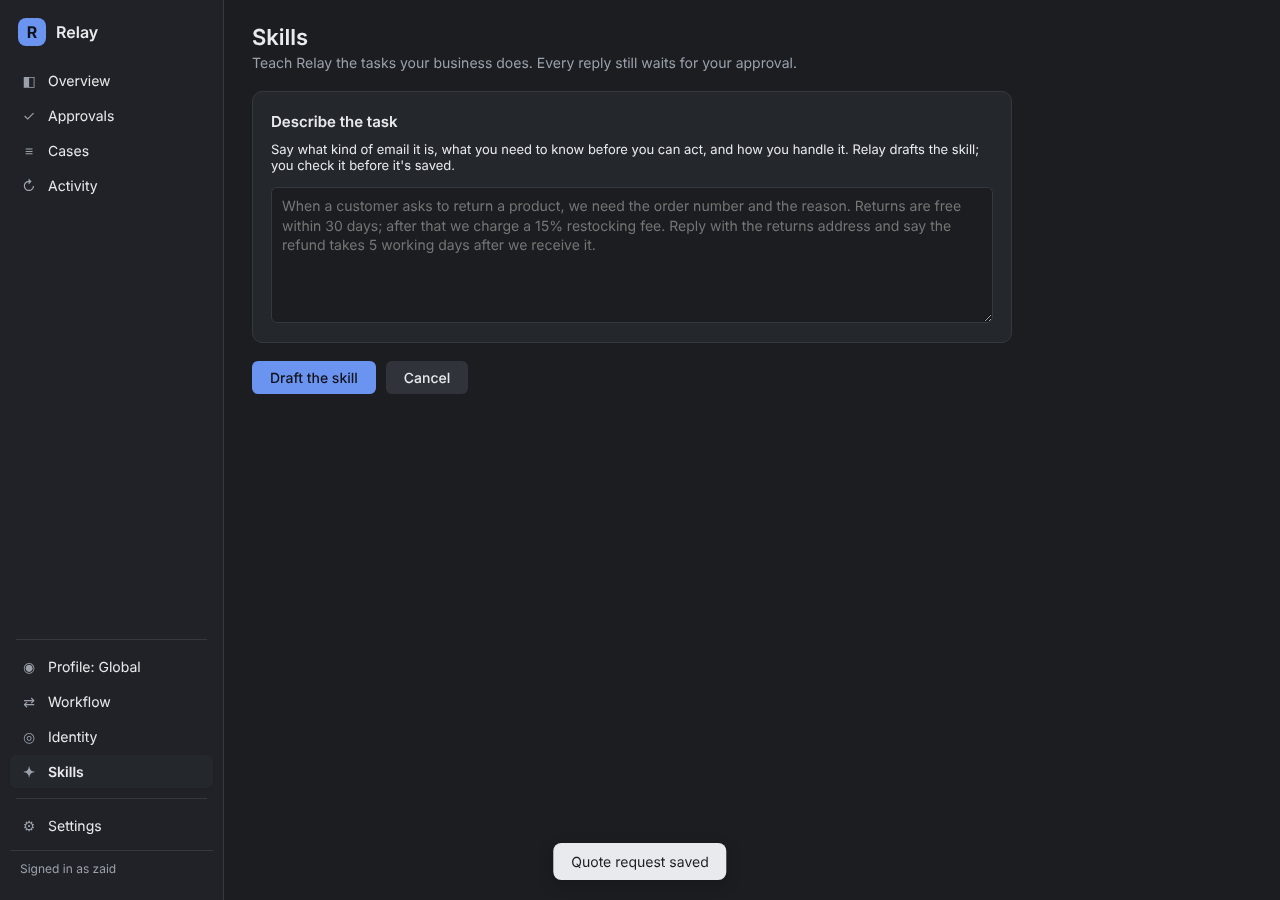
- Describe a task, Relay drafts it. Write what you want in plain words. Relay drafts the whole skill for you to check before saving.
- + New skill to type one by hand.
- Add from library for starter skills: quote request, order or delivery status, invoice or payment question, meeting request, report from attached data, and the SAC tasks.
- Import a file someone shared with you.
Try before you switch it on
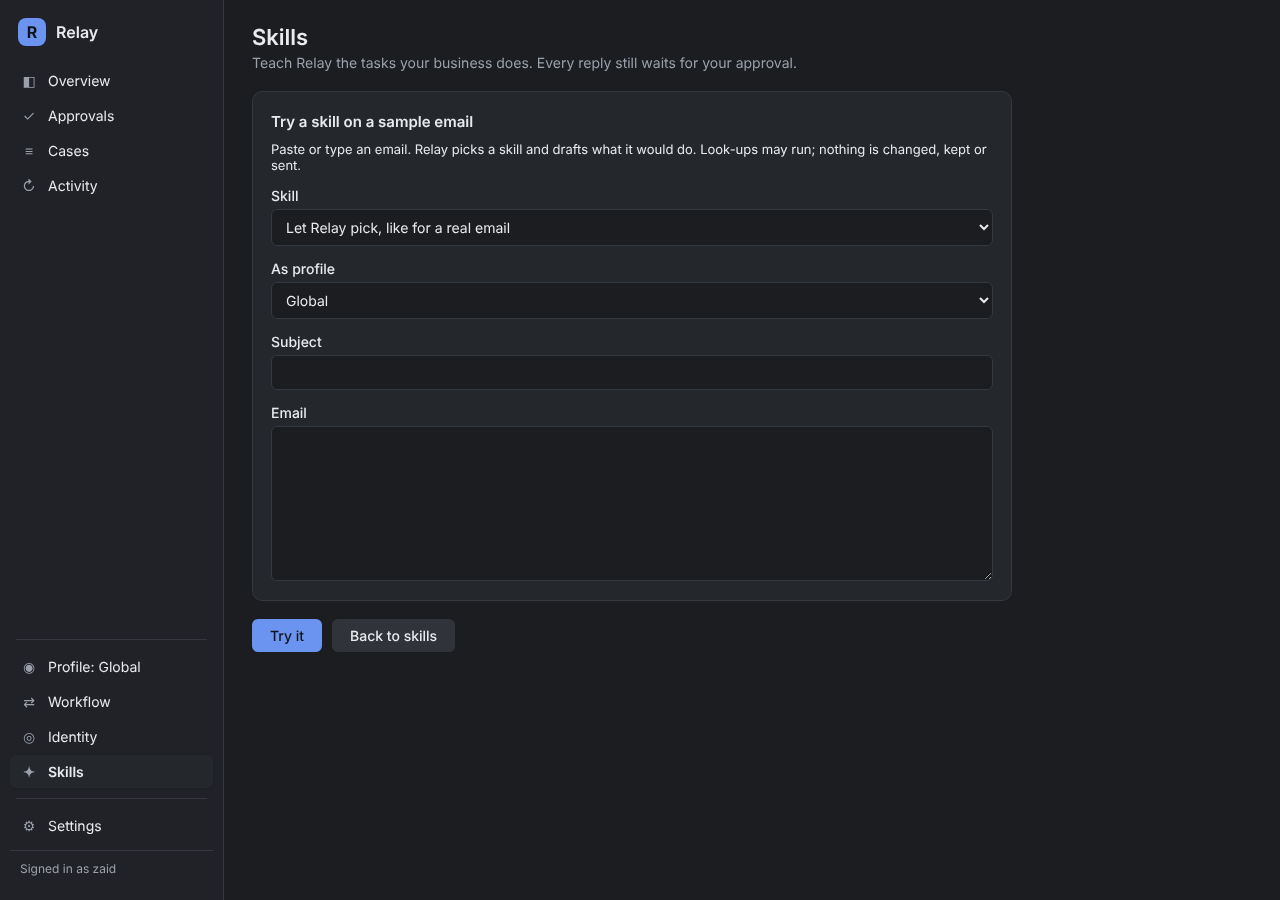
Paste a sample email into Try an email. Relay shows which skill it would pick, what it found, what's missing and the reply it would draft. Nothing is kept or sent.
Tools have their own limits
Tools are built into Relay with fixed limits. A skill can choose which tools it uses, but it can never widen what a tool may do. If a tool isn't set up yet, Relay drafts the reply and tells you what to do instead.
Sharing skills
Save as a file to share writes the skill to Documents\Relay skills. Another business imports it and it arrives switched off, so someone checks it first.